

Cisco Firewall Configuration for Small Businesses: Step By Step





Ad Spot Availabe




(hr)
One of the key challenges that most small businesses face when it comes to operations is how to protect their sensitive data and prevent unauthorized access. With very limited IT resources, it's always difficult to implement a reliable firewall that can execute the aforementioned functions. And this is quite unfortunate because firewalls are usually regarded for their robust security features as well as the flexibility and scalability that they offer for protecting businesses.
As a small business owner, one of the most popular firewalls that you can use to protect your sensitive data and prevent unauthorized access is the (b)(link=https://jobserver.ai/company?id=34)Cisco(/link)(/b) Firewall. As a global brand, Cisco Firewall offers a number of features that are essential for every business owner. It is, therefore, unfortunate that many small business owners and IT administrators do not have a good hold on how to configure the Cisco Firewall.
Due to the variety of features, rules, and settings available, the process might become daunting at first, but with a structured approach, it is possible to set up a Cisco Firewall efficiently to ensure strong network protection. The focus of this article, therefore, would be to walk you through a step-by-step configuration of how to set up a Cisco Firewall for small businesses.
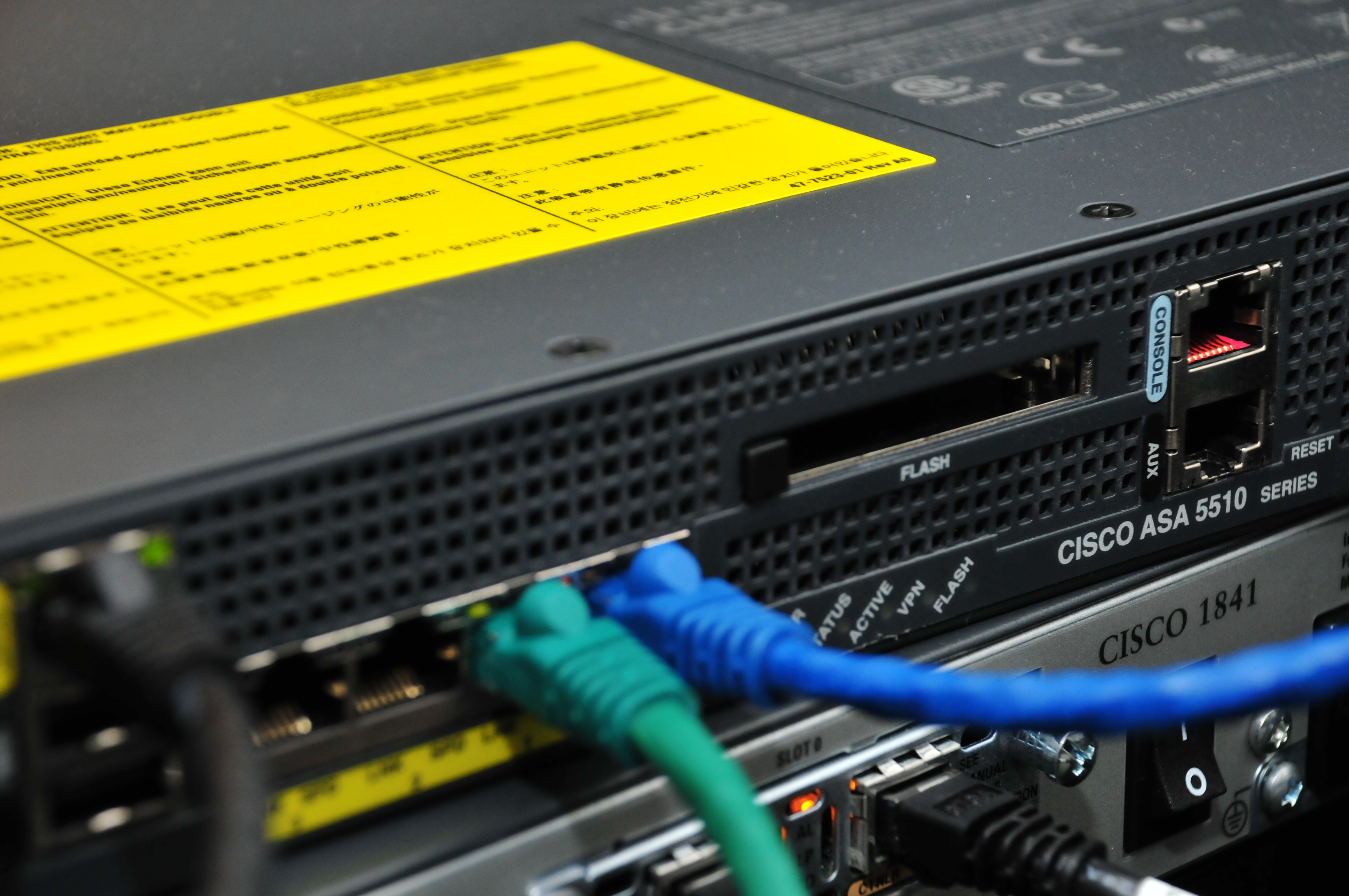
(img=aduploads/image/cisco firewall 2.jpg) Understanding how to set up firewalls is important for admins(/img)
(hr)
(h2)Understanding the basics(/h2)
One of the very important things to do when setting up a (b)(link=https://jobserver.ai/company?id=34)Cisco(/link)(/b) Firewall is to understand your network layout. This is essential because having a good understanding of your network architecture will help you decide how to structure and segment traffic and how and where to apply security policies.
In order to achieve this, administrators would have to identify all their devices, servers as well as the endpoints that will be connected to the network. Once this layout evaluation is done, an appraisal of the security requirements needed is next in line. Some of the key questions you should ask as an administrator include: do you need strict restrictions for guest Wi-Fi? Are remote employees accessing the network via VPN?
Having answers to these questions will directly influence how you define a set of rules that is balanced and usable. In addition to the aforementioned, it is important to document all network and security requirements to enhance future troubleshooting. This document could include IP addresses, device roles, and critical applications.
(hr)
(h2)Access and familiarize with the Firewall interface(/h2)
Once you have laid out the basic rules for your firewall usage, the next step is accessing the interface. While most administrators prefer to use the command-line interface or CLI, the web-based GUI is the most user-friendly for beginners. The GUI also offers some visual features for creating rules and monitoring traffic that make it extra helpful.
In order to access the interface, you would have to connect your computer to the firewall through Ethernet and enter the device's IP address in a web browser. It's, however, essential to note that before logging in, you'll need administrative credentials. If it's a new device being configured, then you just use the default credentials in the documentation to log in.
However, it is important to change the credentials to a much stronger one for security purposes. Once you've successfully logged in, you can familiarize yourself with the dashboard, which includes tabs for network settings, firewall rules, VPN configuration, and security monitoring.
(img=aduploads/image/cisco firewall1.jpg)Familiarise yourself with the firewall interface(/img)
(hr)
(h2)Configure the basics(/h2)
The third step in setting up your Cisco Firewall is to configure the basics of the firewall's network settings. For example, you can assign a static IP address to the firewall, set the subnet mask, and configure the default gateway. Configuring these basic settings is crucial because they ensure that the firewall integrates smoothly into the existing network.
In addition, it is also important to configure DNS settings to allow the firewall to resolve domain names. With most small businesses using either ISPs' DNS servers or public DNS such as Google DNS, better DNS configuration is crucial for content filtering, intrusion detection, and VPN connections.
As an extra tip, try to make sure that network interfaces are configured properly to prevent any misconfiguration of firewall rules. For example, you should ensure that internal LAN and external WAN traffic are assigned interfaces and labelled very clearly.
You can check out a practical demonstration (b)(link=https://cisco.navattic.com/vmc05mu?g=cm9a5svlq000y04k4bpny6zos&s=1)here(/link)(/b)
(hr)
(h2)Create firewall rules and policies(/h2)
Now is the perfect time to set your firewall rules that will define what traffic is allowed or blocked on the network. The basic way to proceed with this is to implement a default deny policy which helps to block all incoming traffic except what is explicitly permitted. The upside of this is that you can control and minimize the network's exposure to unauthorized access
In addition to this, you can create extra rules based on the needs of the business. For instance, if the company has remote employees, you may want to allow VPN traffic, or set SMTP traffic for email servers. As a pro tip, make sure to be specific about IP addresses, ports, and protocols to reduce security risks. Also, it is imperative that every rule that is created is thoroughly tested using Cisco's logging and monitoring features that allow you to verify that traffic is being blocked or allowed as intended.
(hr)
(h2)Monitor and maintain(/h2)
While this might not be a key to-do list item for most administrators, adopting the practice of monitoring and maintaining firewalls has great benefits. Cisco has even made monitoring quite easier with its logging tools. They provide you the opportunity to track activity on the network, identify unusual patterns, and even respond to threats before they become critical.
Administrators also have the opportunity to schedule regular reviews of firewall rules and policies. This can be particularly important when the business grows and there’s the addition of new devices, applications, and employees needing adjusted configurations.
(hr)



Category:
Other
Region:
North America
Author:
blog@Jobserver.ai
Ad link: