

Top 5 Best Ways to Get The Best Out of Samsung's SmartThings Setup





Ad Spot Availabe




(hr)
If you are a fan of smart homes or are now getting used to them, you may have probably come across (b)(link=https://jobserver.ai/company?id=55)Samsung’s(/link)(/b) SmartThings platform. This platform has become one of the most popular smartphone ecosystems and offers seamless integration and connectivity between devices for automation and control.
On a basic level, SmartThings provides the flexibility to make the home smarter, safer, and more efficient, but there is more to it than meets the eye. For example, there is the opportunity to explore advanced features, create custom automations, and even integrate with third-party services, which can transform your setup from simple convenience into a powerful, personalised smart home system.
The focus of this article, therefore, will be to present you with the top five ways to maximise your SmartThings experience and make your home even smarter.
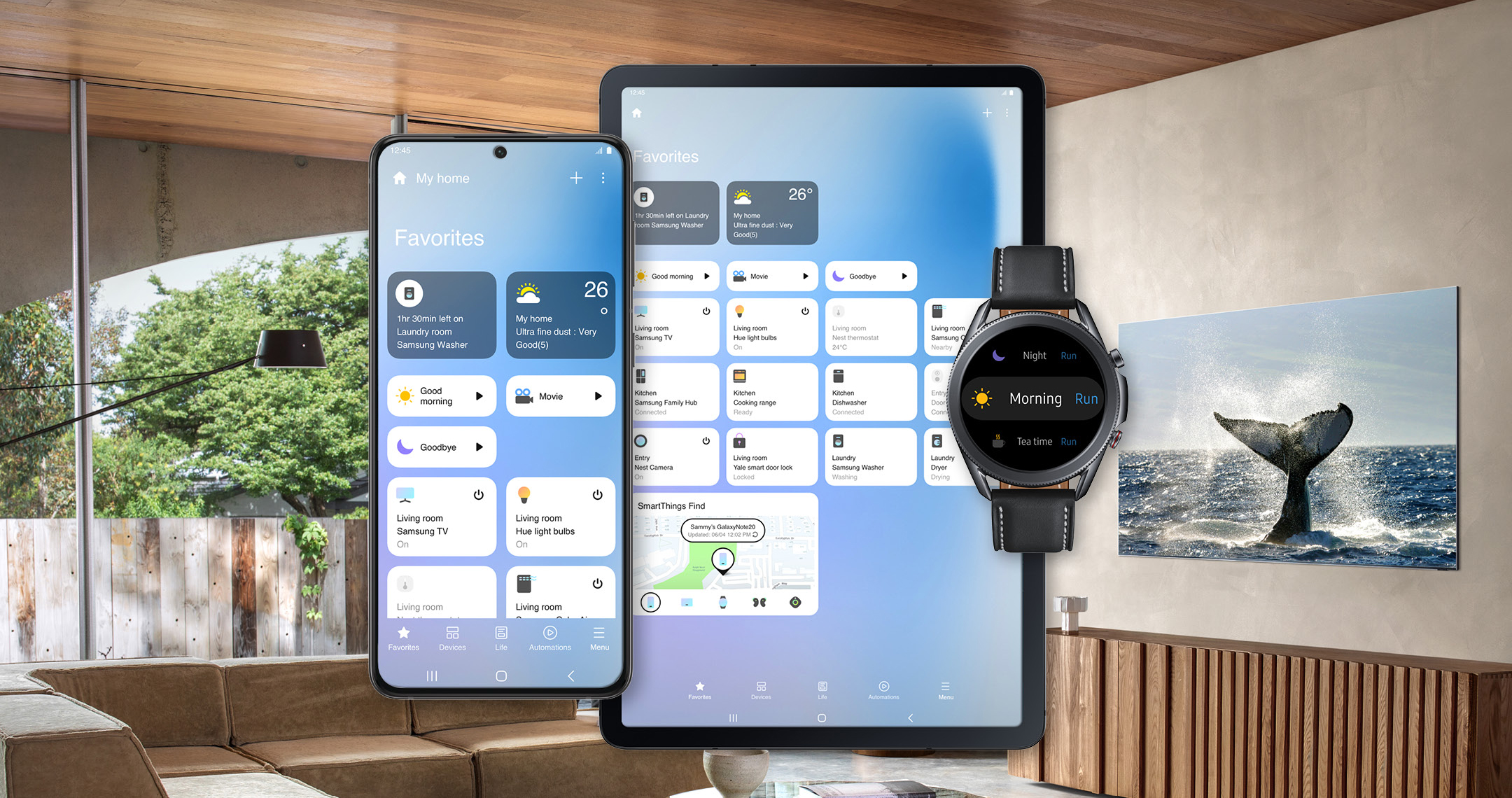
(img=aduploads/image/smart 1.png)SmartThings makes homes smarter.(/img)
(hr)
(h2)Master automation and scenes(/h2)
What is a smart home device if it's not smart enough? This is a question that the SmartThings platform answers very easily with its automation ability. Within the SmartThings platform, users have the ability to create automations and scenes without repetitiveness.
Automations in the SmartThings platform refer to the ability of users to allow devices to work together based on certain conditions. These conditions could be the time of day, motion detection, or even your location. On the other hand, scenes allow users to control multiple devices with a single command, such as setting lights, temperature, and music all at once.
In order to effectively take advantage of automations and scenes within (b)(link=https://jobserver.ai/company?id=55)Samsung’s(/link)(/b) SmartThings platform, users would have to start thinking about their daily routines and how the platform can simplify them. For example, you could set an automation and scene called “Good Morning,” where the lights turn on gradually, the thermostat adjusts, and the coffee maker starts. These small changes can make your everyday life smoother and more enjoyable.
But this is just a basic automation and scene setup. You could go further and create even more complex automations. The more complex automations could be set in your life, such as having lights blink red if your SmartThings-connected security sensor detects motion while you are away.
(hr)
(h2)Optimize device placement (/h2)
One of the common issues that most users of the SmartThings platform face is seeing devices go offline occasionally. Usually, when such issues are encountered, there is a higher probability that placement needs adjustment or Wi-Fi or internet connectivity needs boosting. With more smart devices relying on Zigbee, Z-Wave, or Wi-Fi to communicate, it is important for placement to be optimal to avoid weak signals or lag.
As a result, your SmartThings setup is only as strong as its network, and in order to get the best out of it, you have to place it centrally in your home to maximise coverage and keep devices responsive. In addition, if you have multiple devices spread out, you may want to consider adding repeaters or range extenders for Zigbee or Z-Wave.
This is very important because certain smart plugs act as repeaters and thereby strengthen your network without needing extra hubs.
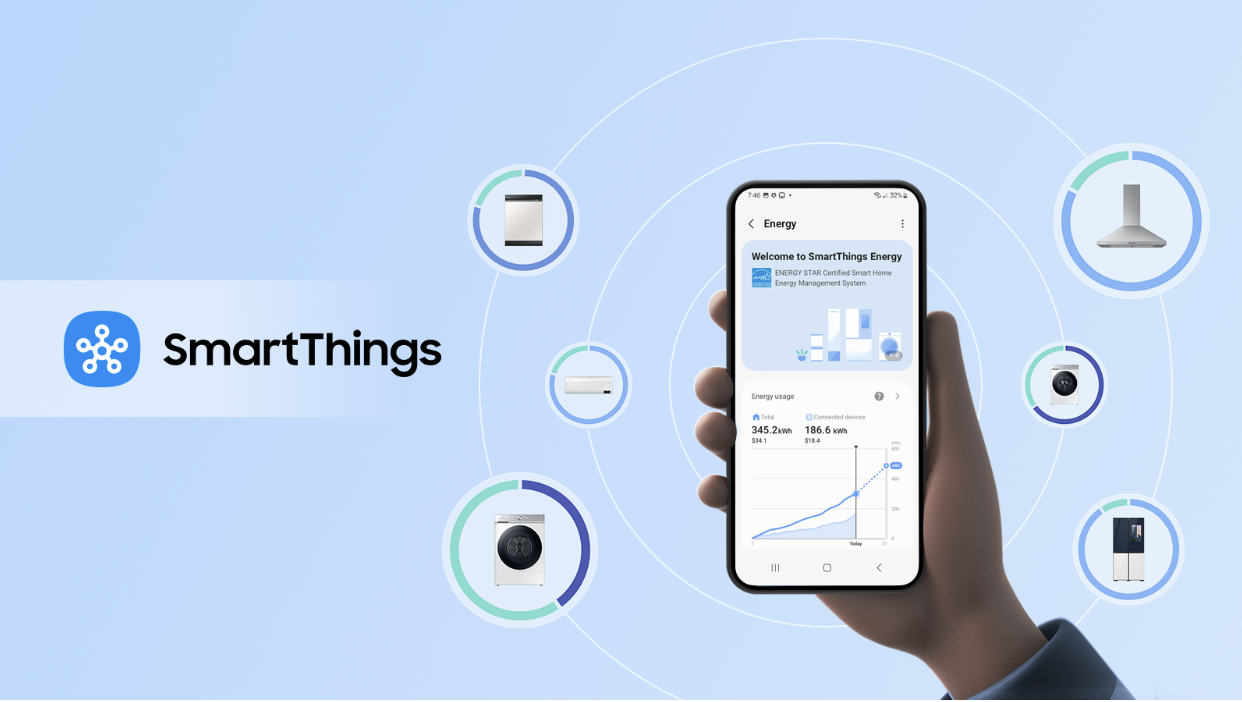
(img=aduploads/image/smart 2.png)You can optimize SmartThings through better device placement(/img)
(hr)
(h2)Integrate with voice assistants (/h2)
Another way to get the best out of your SmartThings platform is to connect with voice assistants such as Amazon Alexa or Google Assistant. Through these voice assistants, you can control your home using simple voice commands, especially when your hands are full or when you want quick access without opening the app.
For example, if you wanted to turn off your downstairs lights using the app, you could just say, “Alexa, turn off the downstairs lights,” or, “Hey Google, set the thermostat to 72°.” These commands can also be extended to your custom scenes, allowing you to activate complex routines with a single phrase.
Speaking of complex routines, you can go further and combine your SmartThings automations with voice assistant routines. For example, you could set an automation using your voice assistant whereby whenever you say “Good Night,” the room lights turn off, the doors lock, the alarm sets, and calm music plays for a good sleep.
(hr)
(h2)Third-party integrations(/h2)
In addition to using voice assistants, SmartThings users can also leverage third-party integrations to get the best out of the platform. This is possible due to the open ecosystem of SmartThings, which is not only limited to Samsung products.
As a result, you can connect devices from brands such as Philips Hue, (b)(link=https://partners.smartthings.com/partners/ring)Ring(/link)(/b), ecobee, and more. With such a flexible ecosystem, users are able to create a cohesive system where their devices communicate under one platform.
For example, if you have a Philips Hue porch light, you can have it integrate through SmartThings to ensure better visibility at night. You can also use If This Then That (IFTTT), which opens up even more possibilities for your SmartThings platform. Through IFTTT, you are able to connect smartphones with apps and services not directly supported by the platform. This includes sending yourself a text when motion is detected or even posting to social media whenever someone attempts to lock your front door.
(hr)
(h2)Security and monitoring (/h2)
While SmartThings is usually used for convenience, security and monitoring are also made a priority. With SmartThings, users can integrate a wide range of sensors and cameras, allowing them to build powerful home monitoring systems. This includes motion sensors, door/window sensors, and water leak detectors that can all work together to keep your home secure.
A key scenario is setting up your SmartThings system to send instant notifications to your phone whenever there is suspicious activity in your home while you are at work or away. This can be further enhanced through automations, for example, turning on lights whenever motion is detected while you're away.


Category:
Announcement
Region:
North America
Author:
blog@Jobserver.ai
Ad link: