

How to Use Core Web Vitals Report to Diagnose and Fix Page Experience Issues





Ad Spot Availabe




(hr)
The digital landscape is fiercely competitive, with user expectations for speed and performance higher than ever. A slow or janky website experience can significantly impact your bounce rate and conversion goals. Google's algorithm updates have consistently prioritized the user experience, making page performance a direct ranking factor. This shift means that technical SEO and user-centric design are now deeply intertwined.
For webmasters and SEO professionals, the challenge has been diagnosing these performance issues accurately. Relying solely on lab data from tools like Lighthouse does not always reflect real-world user conditions. This is where the (b)(link=https://jobserver.ai/company?id=22)Google(/link)(/b) Search Console Core Web Vitals report becomes an indispensable tool. It provides crucial field data collected from actual Chrome users, offering a true picture of how people experience your site.
The focus of this article will detail five essential steps to use this report effectively.
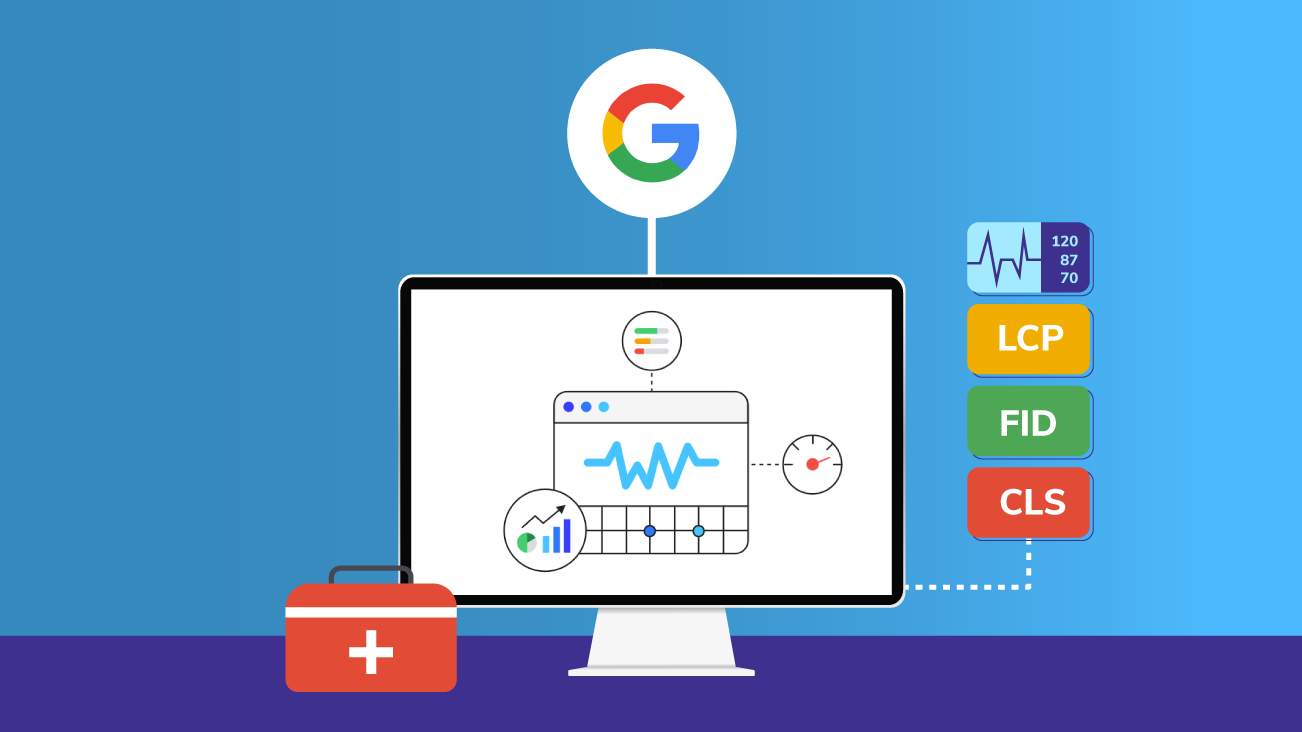
(img=aduploads/image/vitals 1.png)Analyzing the Core Web Vitals report is key to diagnosing user experience problems.(/img)
(hr)
(h2)Accessing and interpreting the report dashboard(/h2)
The first step is locating the report within your Google Search Console property. Under the 'Experience' section, you will find the Core Web Vitals menu item. This opens a dashboard summarizing your site's performance over the last 90 days. The report is segmented by mobile and desktop, as performance can vary drastically between device types.
The dashboard visually categorizes your URLs into three status groups: Good, Needs Improvement, and Poor. This high-level view immediately highlights the scale of your performance issues. The accompanying graphs for Largest Contentful Paint (LCP), First Input Delay (FID), and Cumulative Layout Shift (CLS) show historical trends, helping you identify if recent site changes had a positive or negative impact.
It is critical to understand that this data represents real user experiences, not synthetic tests. This field data, also known as CrUX data, is what Google uses to evaluate your site's overall user experience. #SEO professionals prioritize fixing URLs in the 'Poor' category first, as these are the pages most negatively affecting your site's perception and rankings.
(hr)
(h2)Identifying specific page issues with detailed URLs(/h2)
The real diagnostic power of the report is unlocked when you drill down into the metric tabs. Clicking on a specific category like 'Poor LCP' reveals a list of page groups. Google intelligently clusters URLs that share common underlying issues, such as 'Pages with slow LCP due to image loading'.
Within each group, you are provided with example URLs. Selecting one of these opens a detailed page-specific report. This view is invaluable as it shows a timeline of when the Core Web Vitals issues were detected, allowing you to correlate them with specific site deployments or content updates.
This step moves you from a general awareness of a problem to a targeted list of offending pages and their probable root causes. Instead of guessing which pages need work, you have a direct action plan. This precise identification is what makes the (b)(link=https://jobserver.ai/company?id=22)Google(/link)(/b) Search Console report superior to generic speed tests for actionable SEO work.
(img=aduploads/image/vitals 2.jpg)The report groups URLs with similar issues, making it easier to identify root causes.(/img)
(hr)
(h2)Implementing fixes for common Core Web Vitals problems(/h2)
Once problematic pages are identified, the next step is implementing solutions. Each Core Web Vital has a set of common fixes. For a poor LCP score, which measures loading performance, the fixes often involve optimizing your largest contentful element. This typically means serving images in modern formats like WebP, implementing lazy loading for off-screen images, and upgrading to a more powerful web hosting provider.
A poor FID score, which measures interactivity, points to JavaScript execution issues. To improve this, you must break up long-running JavaScript code into smaller, asynchronous tasks and defer any non-critical JavaScript that blocks the main thread. Minimizing your JavaScript bundle through tree-shaking and code-splitting can also yield significant improvements.
Fixing a poor CLS score, which measures visual stability, requires ensuring elements do not shift unexpectedly during load. The most effective strategies include always defining width and height attributes for images and videos, reserving space for dynamic content like ads or embeds, and avoiding inserting new content above existing content unless triggered by a user interaction.
(hr)
(h2)Validating changes with lab data and monitoring(/h2)
After deploying fixes, you must validate their effectiveness. While the Search Console's field data will take weeks to update, you can use lab tools like PageSpeed Insights for immediate feedback. Run your previously problematic URLs through these tools to get a new Lighthouse score and a list of passed audits.
This combination of lab and field data is powerful. Lab tools help you iterate and test solutions quickly before they impact real users, while field data confirms the real-world success of those changes over time. It is important to monitor the Core Web Vitals report consistently after making adjustments to ensure the improvements are sustained and to catch any new regressions.
This validation creates a continuous improvement cycle. The #CoreWebVitals landscape is not a one-time fix but an ongoing process of monitoring and optimization, especially after adding new features, plugins, or third-party scripts to your website. Consistent attention is key to maintaining a high-quality user experience.
(hr)
(h2)Leveraging the report for ongoing SEO strategy(/h2)
Finally, the Core Web Vitals report should be integrated into your broader SEO and content strategy. Pages with good user experience signals are rewarded by Google's algorithm. Therefore, when planning new content or updating old posts, you should prioritize optimizing for these metrics from the outset.
The insights from the report can also inform technical decisions across your entire site. For instance, if you notice a theme or plugin is causing widespread CLS issues, it becomes a priority to find a replacement. This proactive approach prevents performance debt from accumulating and makes maintaining a healthy site much more manageable.
Understanding these metrics is a fundamental part of modern web development and #Marketing. As stated by the team behind (b)(link=https://web.dev/articles/vitals)Web Vitals(/link)(/b): Web Vitals is an initiative by Google to provide unified guidance for quality signals that are essential to delivering a great user experience on the web. Making this report a regular part of your review process ensures your site meets that essential standard.



Category:
Other
Region:
Europe
Author:
blog@Jobserver.ai
Ad link: