
Top 7 Essential Google Workspace Productivity Hacks for Remote Teams





Ad Spot Availabe




(hr)
The rise of distributed workforces has made digital collaboration tools central to daily operations. Remote teams rely on shared platforms to manage tasks, communicate, and coordinate projects effectively.
Among the many platforms available, (b)(link=https://jobserver.ai/company?id=22)Google(/link)(/b) Workspace has become a leader because it offers integrated solutions that support seamless collaboration and productivity.
According to (b)(link=https://techcrunch.com/2025/04/09/google-workspace-gets-automation-flows-podcast-style-summaries/)Tech Crunch(/link)(/b) Google is upgrading Workspace, its suite of cloud-based productivity tools, with new AI capabilities. The introduction of Workspace Flows designed to automate processes and integrate with Google Drive is a step toward smarter collaboration for teams across industries.
The focus of this article will be to explain the top 7 essential Google Workspace productivity hacks for remote teams.
(img=aduploads/image/workspace 1.jpg)Google Workspace ontributes to streamlining workflow(/img)
(hr)
(h2)Streamlined Task Management with Google Tasks(/h2)
A fundamental productivity hack involves integrating Google Tasks directly into Gmail and Google Calendar. This feature helps remote teams manage their individual responsibilities while aligning them with collective goals. When a task is created from an email it appears instantly across connected devices ensuring no detail is lost.
Remote environments often challenge accountability since in-person oversight is limited. With Google Tasks each team member gains a visible structure of their workload. This visibility strengthens coordination and makes it easier for managers to track progress without unnecessary check-ins.
Additionally Google Tasks allows for quick prioritization. Important deadlines can be highlighted and recurring assignments scheduled in advance. This reduces missed deadlines and ensures remote teams maintain consistent performance even when spread across different time zones.
(hr)
(h2)Collaborating in Real-Time with Google Docs(/h2)
Another vital hack is maximizing real-time collaboration in (b)(link=https://jobserver.ai/company?id=22)Google(/link)(/b) Docs. The ability for multiple users to edit simultaneously eliminates delays caused by version mismatches. Comments and suggestions can be left inline creating an environment where ideas develop fluidly without long email threads.
Teams benefit from the live editing feature as it helps prevent duplication of effort. Instead of one person working in isolation, multiple contributors refine the same document at once. This speeds up project timelines and creates stronger collaborative outputs.
Furthermore the revision history feature protects against errors. If a mistake occurs or earlier content is needed the document can be restored easily. This function reassures remote workers that their contributions remain safe even during rapid changes. #GoogleDocs remains an anchor for effective online teamwork.
(hr)
(h2)Boosting Communication with Google Chat and Spaces(/h2)
Clear communication defines success in remote operations. Google Chat and Spaces provide a platform for structured conversation and topic-based collaboration. Instead of messages getting buried in crowded inboxes conversations are organized by projects or themes which reduces confusion.
Spaces support file sharing integrated task lists and threaded discussions. This integration cuts down the need for external apps since everything can be managed within Workspace. Remote teams appreciate having a central hub where all updates and files are accessible in one location.
The ability to connect Google Chat with Calendar adds another layer of efficiency. Team members can discuss upcoming deadlines or meetings while instantly scheduling sessions without switching between applications. This alignment makes remote collaboration smoother and eliminates wasted time.
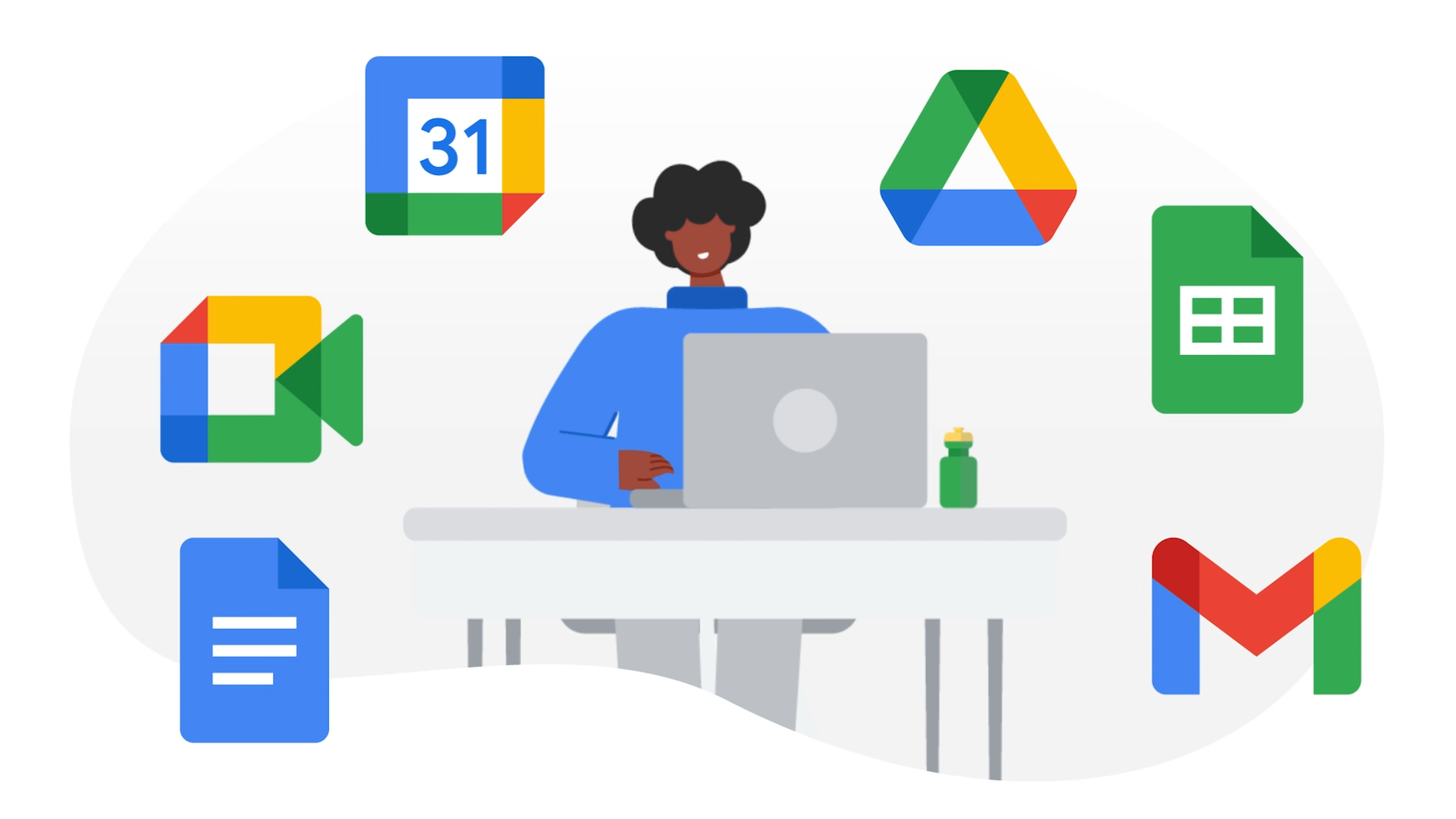
(img=aduploads/image/workspace 2.png)Users can add Google chat and Calendar for more features(/img)
(hr)
(h2)Mastering Calendar Sharing and Smart Scheduling(/h2)
Google Calendar offers more than just time tracking. Its real strength lies in shared access and smart scheduling which remote teams often underuse. By sharing calendars teams create transparency about availability reducing delays in arranging meetings.
The “Find a time” feature scans all participants’ schedules and proposes suitable slots. This avoids the back-and-forth exchanges that often slow down remote communication. When combined with reminders and automated notifications scheduling becomes less of a burden.
Another hack is integrating Google Meet links directly into calendar invites. This eliminates confusion about meeting access and ensures that all participants have the correct link from the start. It is a small step that saves considerable time for distributed teams.
(hr)
(h2)Enhancing File Organization in Google Drive(/h2)
Remote collaboration requires disciplined file management. Google Drive provides powerful folder structures and search features that help teams avoid losing track of shared documents. Creating shared drives with clear naming conventions keeps information accessible to all members.
Another smart strategy is applying advanced search filters within Google Drive. Teams can locate files based on keywords, document types, or even owners. This prevents wasted time searching through endless folders and supports faster workflows.
Version control in Drive also plays a crucial role. Each saved update can be retrieved which ensures that important data is never lost. For remote teams dealing with complex projects this feature offers reassurance and stability.
(hr)
(h2)Utilizing Google Meet for Effective Virtual Sessions(/h2)
Video conferencing is a central part of remote team culture. Google Meet enhances these interactions with features like breakout rooms, live captions, and screen sharing. These tools create inclusive spaces where collaboration feels natural despite physical distances.
Teams can increase productivity by using breakout rooms during larger sessions. Smaller group discussions encourage participation and generate more focused contributions. This structure prevents meetings from becoming overwhelming and keeps participants engaged.
Integrating Meet with Workspace further boosts efficiency. Files from Drive or Docs can be presented directly in meetings allowing for real-time discussion and editing. The ability to combine multiple functions within one platform creates smoother workflows for remote teams.
(hr)
(h2)Automation with Workspace Add-Ons and Extensions(/h2)
The final hack involves adopting Workspace add-ons that extend functionality. Tools like form builders, task managers, or workflow automation systems can connect seamlessly with Gmail and Drive. These extensions reduce repetitive tasks and free up time for strategic activities.
Remote teams particularly benefit from automation because it compensates for geographical separation. Repetitive reporting or approval flows can be streamlined through add-ons reducing delays in decision-making.
Integrating these extensions also helps create a tailored Workspace environment. Teams can customize their productivity tools to match their workflows. This flexibility ensures that the platform evolves alongside organizational needs. With #GoogleWorkspace constantly innovating, extensions remain a critical productivity booster.


Category:
Announcement
Region:
North America
Author:
blog@Jobserver.ai
Ad link: