

Top 5 Capabilities of Samsung Knox Security and How to Use Them





Ad Spot Availabe




(hr)
The demand for mobile security has grown significantly as people and organizations rely on smartphones and tablets for both work and personal activities. With cyber threats becoming more advanced, it has become important to use strong protective systems that can address vulnerabilities and maintain trust.
One of the most powerful solutions in this space is (b)(link=https://jobserver.ai/company?id=55)Samsung(/link)(/b) Knox. It is a comprehensive security platform built directly into Galaxy devices and provides protection from the hardware to the application layer. This makes it a reliable framework for businesses that need advanced security management while ensuring ease of use for individuals.
According to (b)(link=https://www.samsungknox.com/en/)Samsung(/link)(/b): At every layer of Samsung Galaxy devices, Knox ensures that confidential and sensitive data stays safe, no matter where your life takes you. Your entire device: safeguarded from the inside out, and in real time. This is protection you can be sure of.
The focus of this article, therefore, will be to give seven detailed insights into the top five core capabilities of Samsung Knox and how users can take advantage of them.
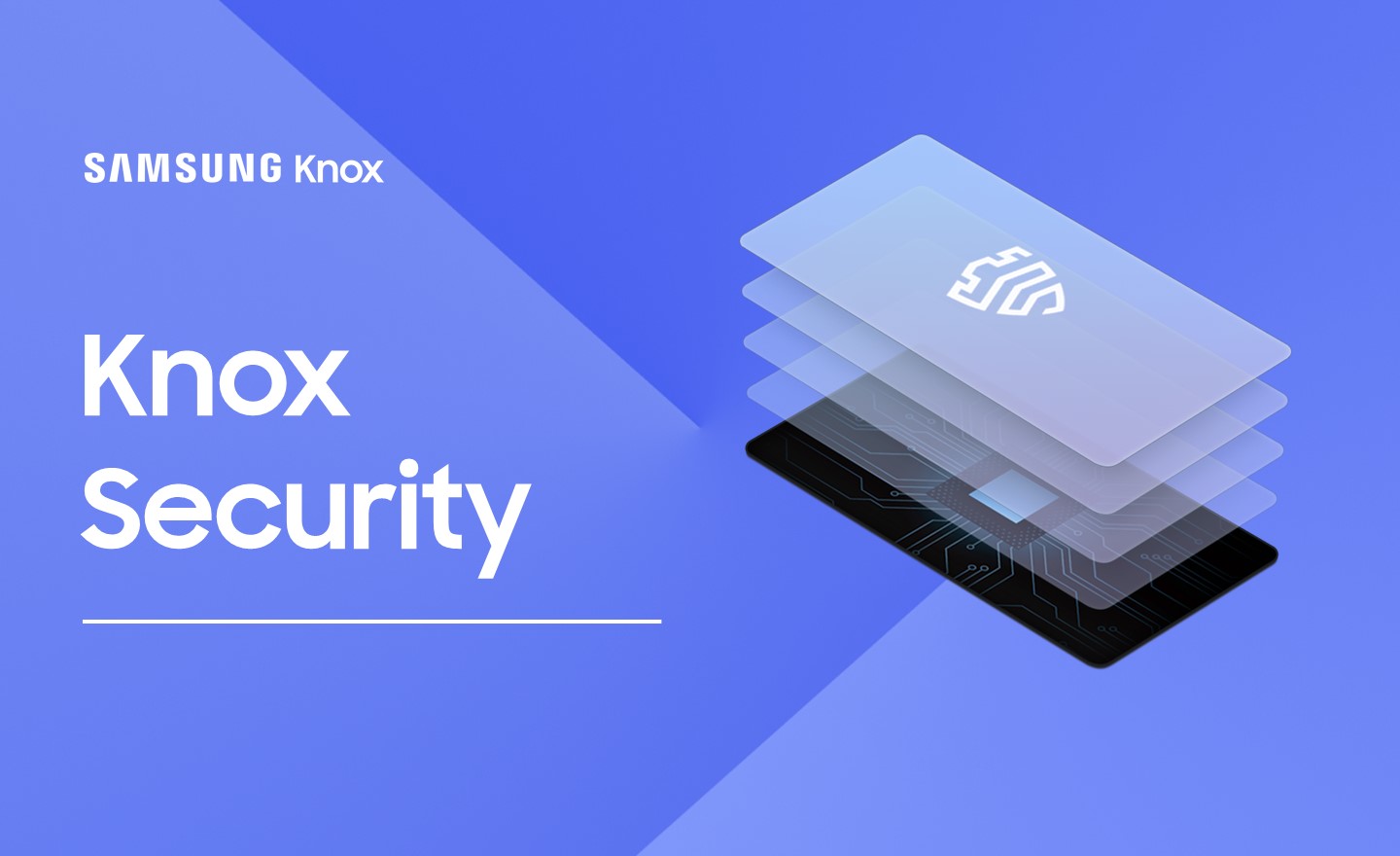
(img=aduploads/image/knox 1.jpg)Samsung Knox advanced protection keeps devices safe from cyber threats(/img)
(hr)
(h2)Device and Data Encryption(/h2)
The first and most essential feature of Knox is device and data encryption. Every piece of information stored on a Galaxy device is automatically encrypted, making it unreadable to unauthorized parties. This ensures that even if a device is stolen or misplaced, sensitive files cannot be accessed without the correct authentication.
What sets Knox apart is that encryption begins at the hardware level. The platform creates a secure environment for both personal and corporate information, which prevents tampering and protects against external attacks. This makes it a strong layer of defense for businesses that frequently deal with confidential information.
Moreover, this feature is not only beneficial for enterprises but also for individual users who want to ensure that their photos, messages, and personal files remain secure. As cybercriminals continue to exploit weaknesses, having encryption as a default feature enhances trust in the #Samsung ecosystem.
(hr)
(h2)Real-Time Threat Detection(/h2)
Another core capability of Knox is real-time threat detection. The platform constantly monitors the device for suspicious activities, malicious software, or unauthorized changes. If something unusual is detected, the system immediately blocks it before any damage can occur.
This proactive approach is vital in today’s environment where malware and phishing attempts are evolving rapidly. Real-time detection ensures that threats are not just identified but also stopped in their tracks, minimizing the risk of data breaches.
For organizations, this translates to fewer disruptions and stronger reliability. Employees can use their devices with confidence, knowing that there is continuous monitoring working silently in the background to keep information safe.
(hr)
(h2)Secure Boot and Trusted Environment(/h2)
Knox incorporates secure booting technology that prevents unverified operating systems or modifications from loading when a device is powered on. This guarantees that users start from a trusted environment every time they use their device.
The advantage of this process is that it blocks attackers from inserting malicious software during the boot phase. Since many attacks exploit this vulnerable moment, secure booting eliminates the possibility of hidden programs gaining access to the device.
For businesses that provide devices to employees, secure booting reduces risks significantly. It ensures that every phone or tablet used for work is operating under verified and safe conditions. This helps protect corporate networks from infiltration and builds long-term confidence in Knox-protected devices.
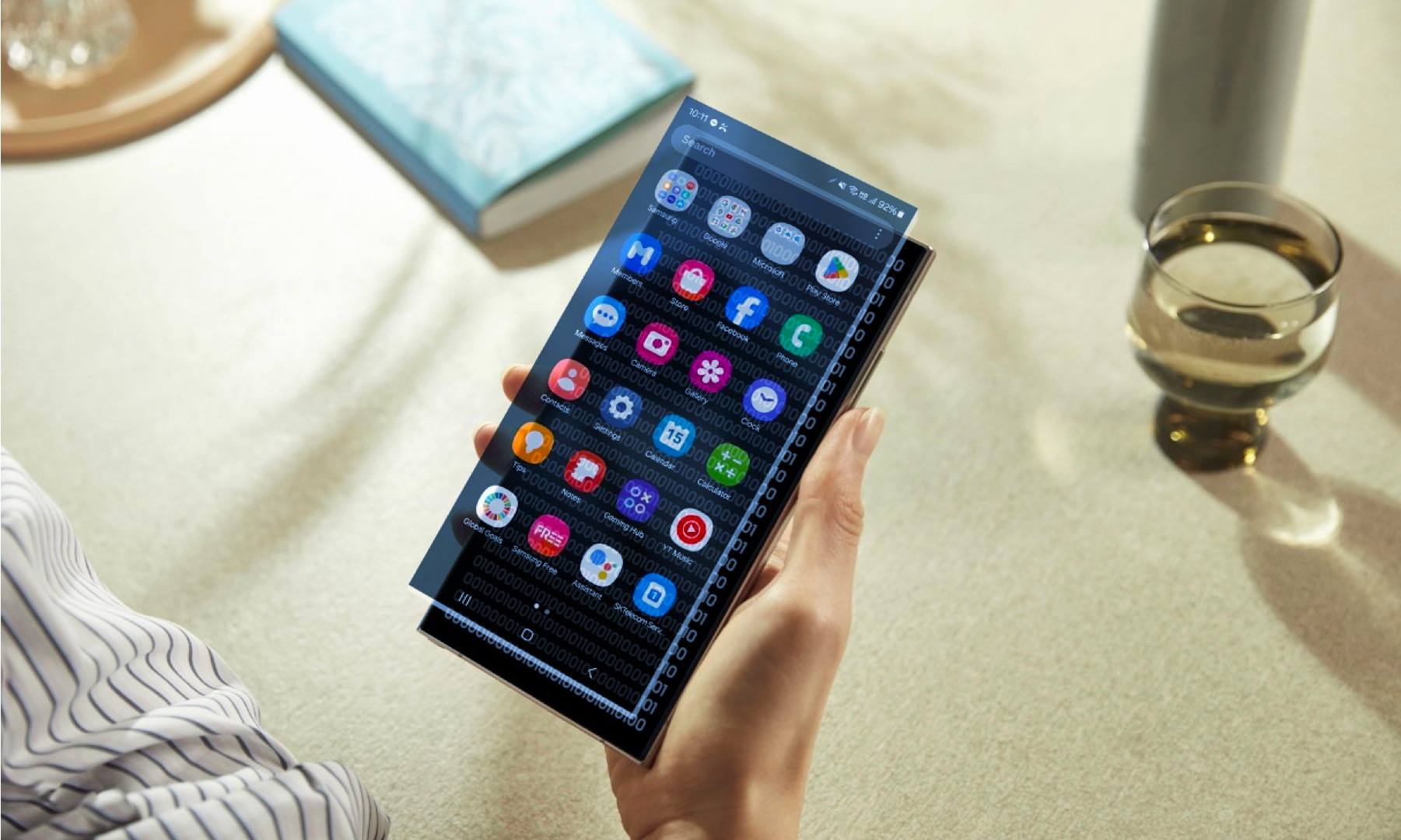
(img=aduploads/image/knox 2.png)Samsung Knox guarantees a trusted and verified device environment from startup(/img)
(hr)
(h2)Advanced Management for Enterprises(/h2)
Samsung Knox is not just about protecting individual users; it also offers advanced management tools for businesses. Through Knox Manage, administrators can configure, monitor, and control a fleet of devices remotely. This centralizes security management and simplifies compliance.
One of the biggest advantages of this system is its ability to enforce security policies across all devices. For example, companies can require two-factor authentication, restrict access to sensitive applications, or even remotely wipe devices that are lost. This provides an additional safeguard against unauthorized access.
Incorporating (b)(link=https://jobserver.ai/company?id=55)Samsung(/link)(/b) Knox into enterprise systems enables IT teams to stay in control while reducing workload. They can apply consistent protection strategies across hundreds or even thousands of devices, giving organizations scalability and flexibility without sacrificing safety.
(hr)
(h2)Knox Vault and Secure Folder(/h2)
Knox Vault is one of the most powerful security features, offering a protected environment for storing sensitive data like biometric credentials, encryption keys, and passwords. This environment is isolated from the rest of the device to prevent compromise even if the operating system is attacked.
In addition, Knox Secure Folder allows users to create a private, encrypted space within their device. This folder can hold applications, documents, or media files that require an extra layer of security. With this function, users can maintain a separation between personal and professional data seamlessly.
The Secure Folder is especially valuable for professionals working with confidential information. It ensures that sensitive files remain locked away from the main system, reducing the likelihood of unauthorized access while offering flexibility for daily use.
(hr)
(h2)Network and Wi-Fi Protection(/h2)
Public Wi-Fi networks are one of the most common entry points for hackers. Knox addresses this risk through strong network protection that monitors and encrypts connections. This keeps communications secure and prevents data interception while using unsecured hotspots.
The system also warns users about risky networks and automatically blocks unsafe connections. By combining these protections with encryption, Knox ensures that browsing, messaging, and file sharing are consistently shielded from prying eyes.
For organizations, this feature is especially useful as employees often connect to various networks while traveling or working remotely. Knox safeguards corporate communications even in vulnerable settings, maintaining the integrity of sensitive exchanges.
(hr)
(h2)Integration with Business Applications(/h2)
Samsung Knox extends beyond device security to integrate seamlessly with business applications. This allows organizations to build customized solutions while relying on Knox’s protective framework. Developers can use the Knox platform to design apps that meet industry-specific security requirements.
The integration also makes it easier to connect Knox with existing enterprise systems. Businesses can link the security features to customer management software, financial applications, or healthcare platforms to strengthen compliance and maintain trust.
This capacity for integration demonstrates that Knox is not just a tool but a comprehensive ecosystem. It creates opportunities for industries that must maintain high security standards while embracing digital transformation. #Knox is therefore positioned as a leader in security innovation.
(hr)
This article has explored seven detailed insights into the top five capabilities of Samsung Knox security and how users can apply them. From device encryption and real-time threat detection to Knox Vault and integration with enterprise tools, the features outlined here show how Samsung has created a trusted platform for protecting data and devices.


Category:
Announcement
Region:
Europe
Author:
blog@Jobserver.ai
Ad link: