

Top 10 Features that Makes Microsoft's Visual Studio The Best





Ad Spot Availabe




(hr)
Visual Studio has grown into a trusted and indispensable tool for developers across the globe. It is not only a coding platform but also a comprehensive environment where programming, debugging, testing, and deployment come together in one place.
The software has evolved to support multiple languages, frameworks, and technologies, which allows developers to streamline their projects and focus more on creating innovative solutions.
The environment has been praised for its scalability and efficiency, making it a perfect choice for both small-scale developers and large enterprises. It integrates the latest technologies, provides intelligent tools, and improves productivity across all stages of software development. Whether a developer is coding for desktop, web, mobile, or cloud, Visual Studio has something practical and valuable to offer.
One of its most impressive traits is how it bridges simplicity with professional complexity. Even newcomers to coding find the platform approachable, while experts take advantage of its deep and advanced functionality. This rare balance has played a significant role in establishing Visual Studio as a leading choice among coding professionals.
This article will explore (b)(link=https://jobserver.ai/company?id=39) Microsoft’s Visual Studio’s (/link)(/b) most impressive attributes.
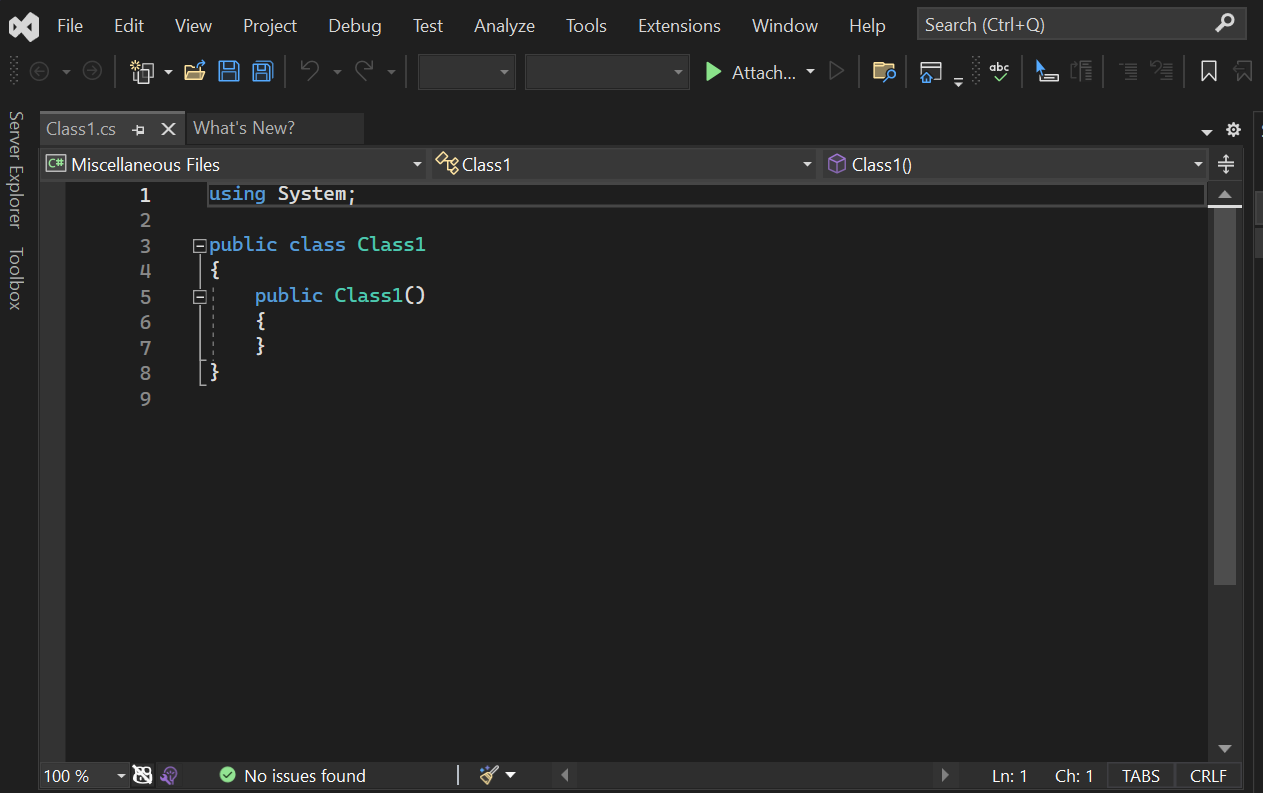
(pic=https://jobserver.ai/aduploads/image1_68ba5e9fd3797.png)Visual Studio ha become a favorite(/pic)
(hr)
(h2)1. Intelligent Code Editor(/h2)
The code editor in Visual Studio is a cornerstone of its reputation. It is more than just a place to write code because it anticipates the developer’s needs with precision. Features like IntelliSense provide real-time suggestions, parameter information, and quick code completion. This minimizes errors and helps developers move faster through their work.
The intelligent editor also highlights syntax, detects potential mistakes early, and makes it easier to understand complex code structures. For example, when handling multiple nested loops or large blocks of logic, the editor visually organizes the code so that it is not overwhelming to read. This significantly reduces the time needed to debug errors later in the process.
Another strong point is how customizable the editor is for individual workflows. Developers can adjust themes, shortcuts, and layouts to fit their preferences. These personal touches make long hours of work feel less tedious and promote consistent productivity. #codeeditor
(hr)
(h2)2. Advanced Debugging Tools(/h2)
Debugging within (b)(link=https://jobserver.ai/company?id=39)Microsoft’s Visual Studio(/link)(/b) is one of its standout capabilities. The platform allows developers to step through code line by line, observe values, and inspect memory to locate issues at their root. This process transforms what can often be a stressful task into a manageable and structured routine.
Breakpoints are a particularly effective feature. They allow the user to pause code execution at specific points, watch variable changes, and simulate how different inputs impact the program. This direct insight makes fixing errors far more efficient compared to traditional debugging methods.
Additionally, Visual Studio supports live debugging for cloud, web, and mobile applications. Developers can connect to remote processes and still track performance and issues with the same clarity as local debugging. This advanced functionality demonstrates why Visual Studio is favored in complex and large-scale projects.
(hr)
(h2)3. Seamless Integration with Azure(/h2)
Microsoft has ensured that Visual Studio works seamlessly with Azure, the company’s cloud platform. This integration makes deploying, scaling, and managing cloud applications straightforward. Developers can manage cloud services directly from the IDE without needing to jump between multiple interfaces.
The benefit extends beyond deployment. With Azure integrated, developers gain access to features like serverless computing, AI services, and database management tools. This means projects can be cloud-ready from the very beginning, allowing for faster innovation cycles.
Furthermore, the Azure integration emphasizes collaboration across teams. Shared resources, cloud-hosted databases, and remote repositories are accessible to everyone involved, which eliminates barriers in communication and project synchronization. This fosters efficiency across distributed teams, making Visual Studio a truly global tool. #clouddevelopment
(hr)
(h2)4. Powerful Extensions Marketplace(/h2)
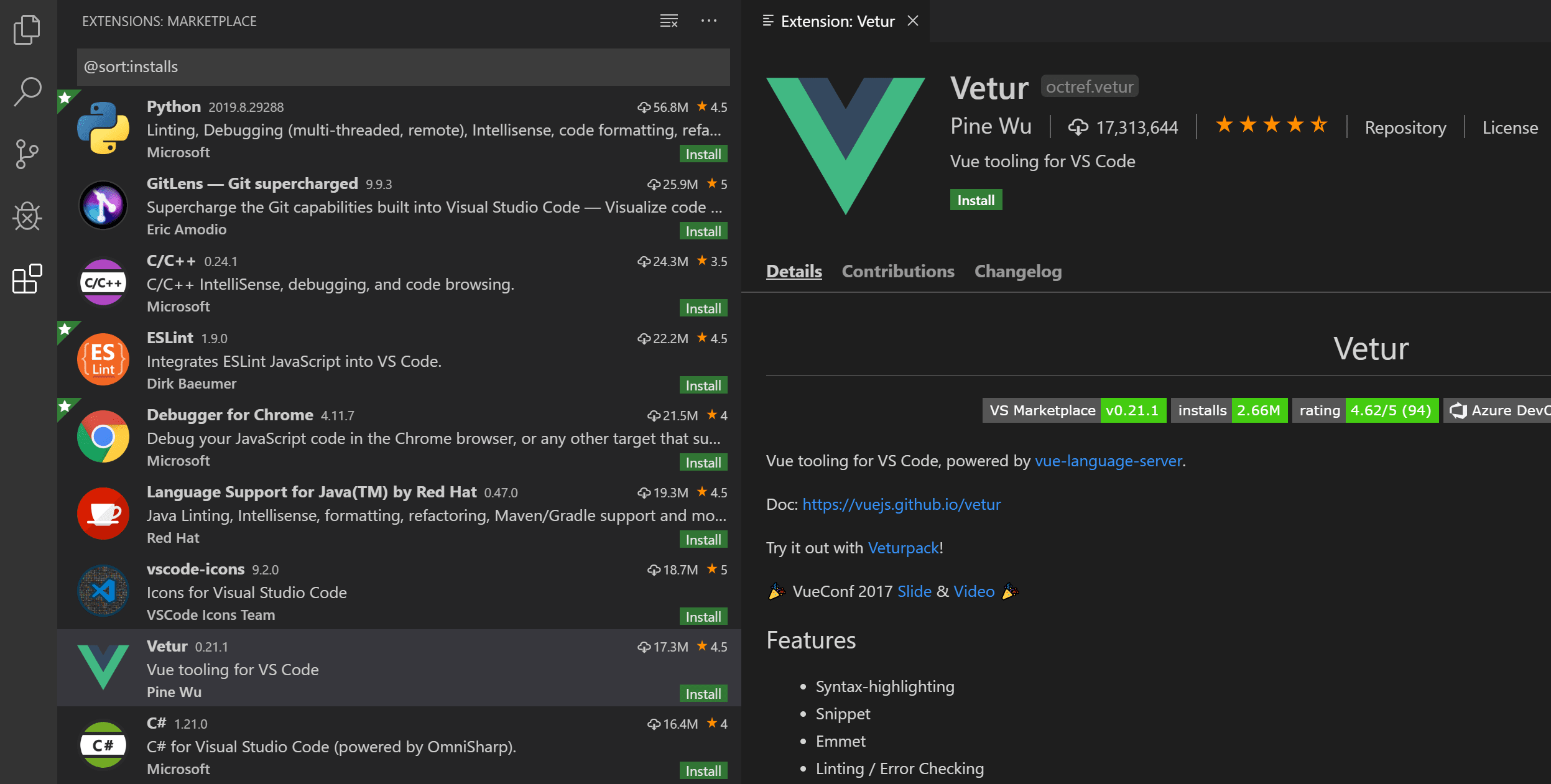
The Visual Studio Marketplace is a rich environment where developers can extend the IDE’s functionality. It provides thousands of extensions covering everything from language support to workflow enhancements. This marketplace is a major reason why developers stick with Visual Studio for the long term.
Extensions are easy to (b)(link=https://code.visualstudio.com/)install and integrate (/link)(/b) directly into the existing interface. For example, a developer working with Python or Node.js can find targeted tools in the marketplace that expand the IDE’s capabilities without compromising stability. This flexibility ensures that Visual Studio remains adaptable as new technologies emerge.
(pic=https://jobserver.ai/aduploads/image2_68ba5e9fd748c.png)Extensions are a key part of Visual Studio(/pic)
Another important point is the active community surrounding the marketplace. Extensions are regularly updated, and developers share feedback that keeps tools relevant and cutting-edge. This thriving ecosystem ensures that Visual Studio grows alongside the evolving demands of modern programming.
(hr)
(h2)5. Version Control Integration(/h2)
Version control is a vital part of professional development, and Visual Studio integrates seamlessly with systems like Git and Team Foundation Server. This allows developers to track changes, collaborate with others, and manage code in a structured way.
The interface simplifies branch management and pull requests, which can often feel complicated in other environments. Developers can clearly see the history of changes, merge with confidence, and reduce the risk of conflicts within shared projects. This strengthens collaboration and ensures smoother workflows across teams.
In addition to Git, Visual Studio provides built-in tools for reviewing code, discussing changes, and managing repositories. These features support effective teamwork and demonstrate how Visual Studio does more than serve as an editor. It is also a complete project management platform that integrates development with collaboration.
(hr)
(h2)6. Comprehensive Testing Tools(/h2)
Testing is essential to delivering reliable software, and Visual Studio includes robust tools for unit testing, integration testing, and automated testing. Developers can quickly create and run tests without needing to rely on third-party tools.
The Test Explorer organizes results in a clear way, making it simple to track which areas of the code have passed or failed. This detailed feedback allows developers to identify weaknesses early and resolve them before deployment. It significantly improves the overall quality of the software.
(pic=https://visualstudio.microsoft.com/wp-content/uploads/2021/10/vs22-test-explorer.png)Testing is a key part of Visual Studio(/pic)
Automated testing features also reduce the manual workload, enabling developers to run repeated tests across multiple scenarios. These capabilities free up time to focus on other tasks, improving both speed and reliability throughout the development lifecycle.
(hr)
(h2)7. Cross-Platform Development(/h2)
Visual Studio supports cross-platform development for Windows, Android, and iOS. This flexibility is a key advantage for developers building applications that need to reach diverse audiences. It ensures that developers can manage all their projects under one environment without juggling multiple tools.
The Xamarin framework integrated within Visual Studio makes mobile app development faster and more consistent. Developers can use shared codebases for Android and iOS, which reduces duplication of effort and ensures smoother project maintenance.
Cross-platform support also promotes broader testing and optimization. Applications can be adapted to different environments while maintaining consistent quality and performance. This capability allows developers to stay competitive in a fast-changing technological landscape.
(hr)
(h2)8. Collaboration and Live Share(/h2)
Visual Studio supports real-time collaboration through Live Share. This feature allows multiple developers to work on the same code simultaneously, regardless of location. It has become a vital tool for remote and distributed teams.
Live Share eliminates the need to constantly send files back and forth. Instead, developers can share their workspace instantly, edit in real-time, and discuss changes as they happen. This boosts productivity and fosters better understanding between team members.
Additionally, it enhances training and mentoring opportunities. Experienced developers can guide juniors directly in the code, offering advice and insights without being physically present. This promotes learning and strengthens team capability over time. #collaboration
(hr)
(h2)9. Performance Profiling(/h2)
Performance profiling tools in Visual Studio allow developers to analyze their applications and identify performance bottlenecks. The profiling environment provides metrics on memory usage, CPU utilization, and responsiveness, helping to improve overall efficiency.
These insights ensure that applications run smoothly before release. For example, if memory leaks are detected, developers can resolve them before they affect end users. This proactive approach improves customer satisfaction and software reliability.
Profiling also supports scalability. As applications grow, performance needs change, and Visual Studio’s tools help developers stay ahead of potential challenges. This forward-thinking design underscores why it remains a leader in development tools.
(hr)
(h2)10. Continuous Integration and Deployment(/h2)
Visual Studio connects with CI/CD pipelines to streamline software delivery. This means code changes can be automatically tested, integrated, and deployed, reducing manual intervention and risk of error.
Developers benefit from faster release cycles, as updates can move from development to production with greater speed and confidence. This efficiency is especially important in industries where rapid innovation is key.
Integration with platforms like Azure DevOps makes the process even smoother. Developers can create automated workflows that ensure projects maintain high standards of quality while meeting deadlines. This combination of automation and precision makes Visual Studio an ideal choice for modern software development.
(hr)


Category:
Announcement
Region:
Africa
Author:
blog@adserver.com
Ad link: